

Voiceover Time Calculator 🎙️
Estimated speaking time
Normal speed
00:00Estimate
Slow / Measured
00:00Estimate
Fast / Dynamic
00:00Estimate
Stopwatch
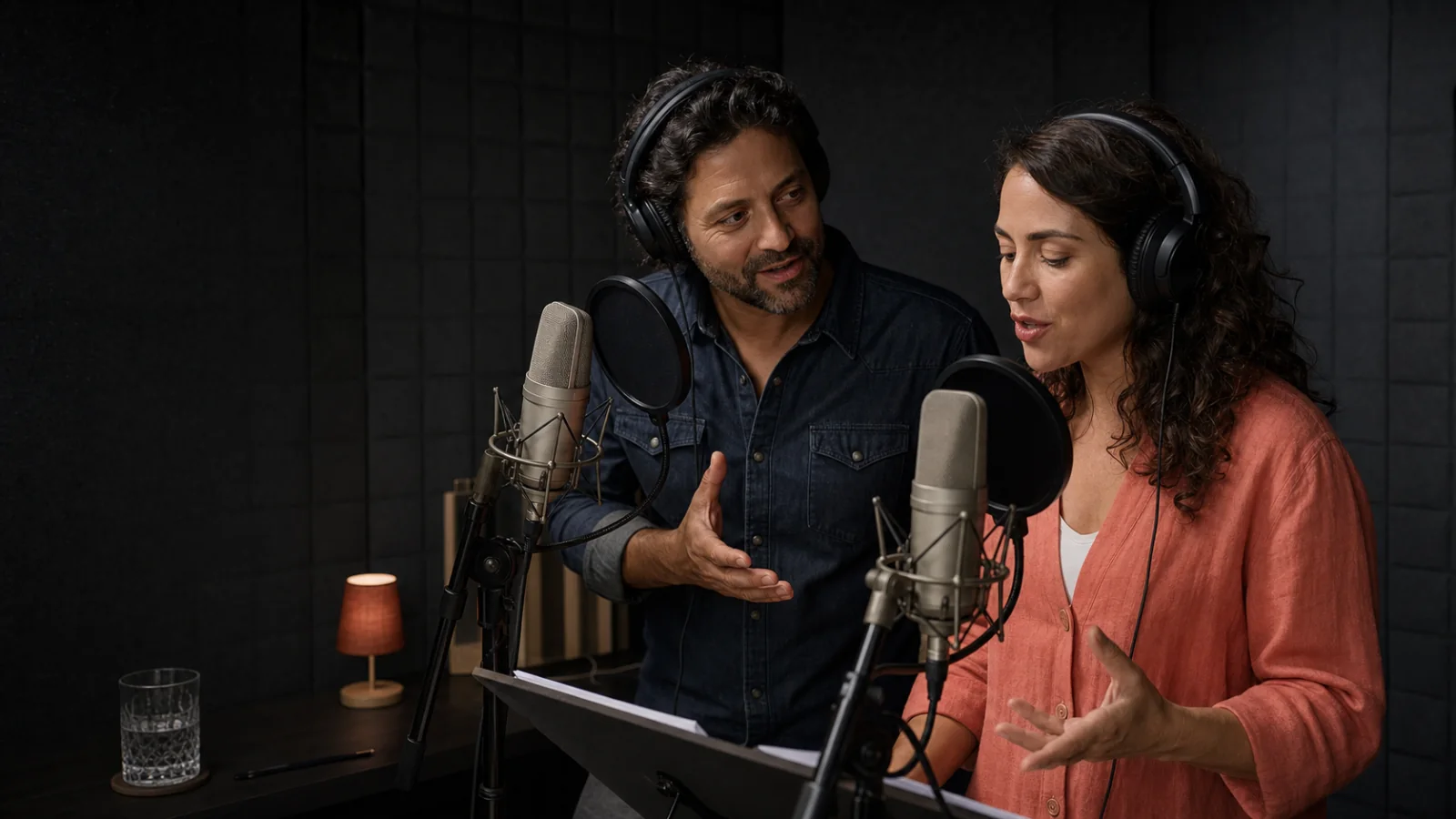
Turn your script into a professional video that makes an impact with the Dumela Calculator.
Paste or type your text above and let our app automatically calculate the voiceover time for your script. ✨🎬
You can also test your read with our built-in stopwatch and make adjustments in real time. ⏰
About our Online Calculator
Dumela is a production studio specializing in corporate videos and animation. We created this free tool to help scriptwriters, agencies, and producers plan their scripts and voiceovers before recording.
The duration estimate uses rates calibrated through real voiceover tests for corporate videos in English. The reference rates are 120 words per minute for a slow or measured read, 145 for a normal read, and 170 for a fast or dynamic read. Actual timing depends on delivery, breathing, intent, and how you say names and numbers.
In addition to word count, the calculator shows indicators to help you assess script density: characters including spaces, spoken characters, sentences, average words per sentence, pauses and explicit cues, long words, numbers, and acronyms. These metrics guide your revision. The main estimate still uses the words you actually speak.
The calculator leaves recognized script directions such as (Pause), [Breathe], and (Voice-over) out of the spoken word count. Hover over each indicator’s information icon or reach it with the keyboard to learn what it measures.
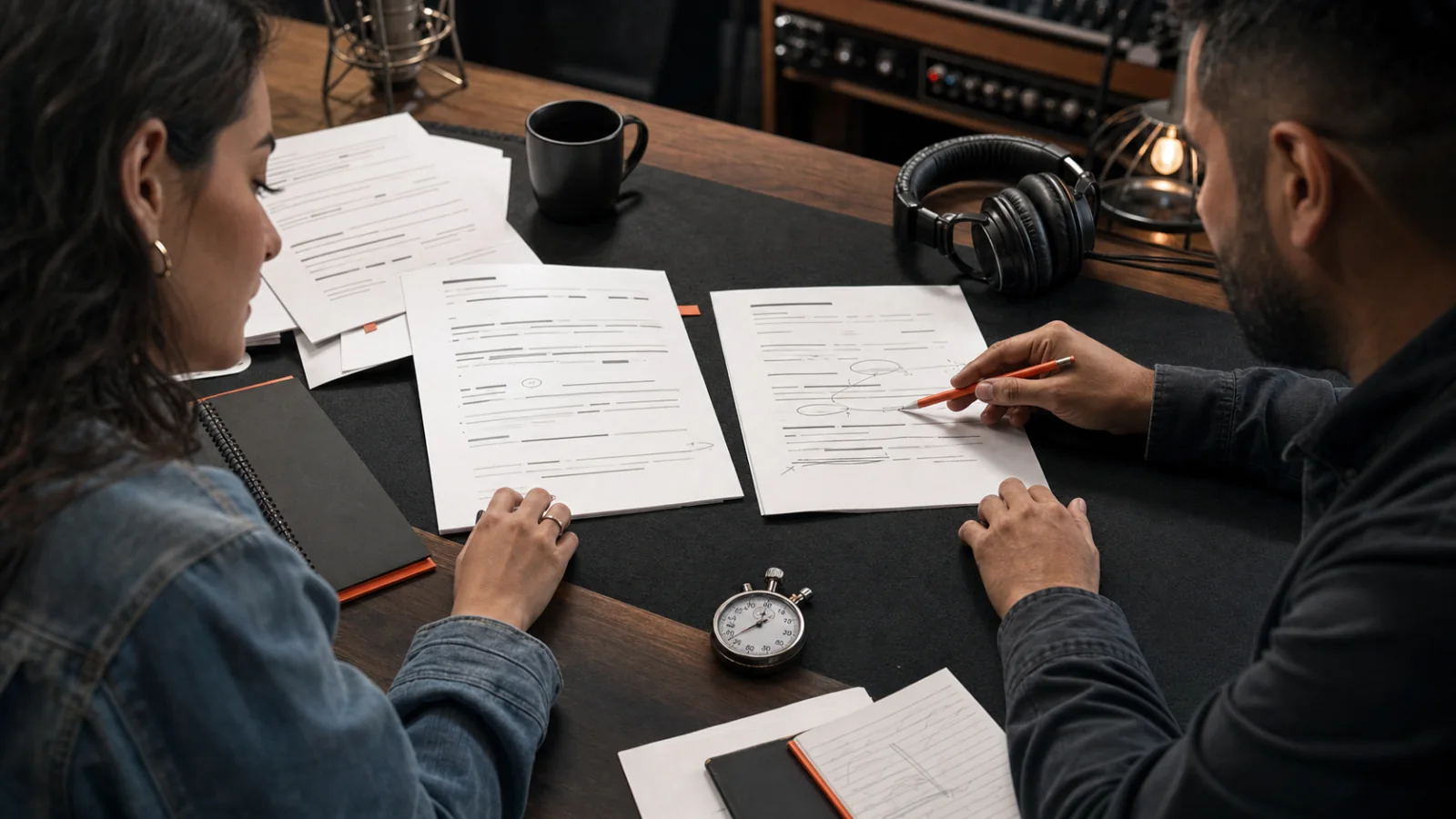
Tips for writing an efficient script
- 30-second videos
Use approximately 65 to 75 words as a starting point and test the read out loud.
- 60-second videos
For a normal read in English, start with roughly 135 to 150 words and adjust for delivery and pauses.
- Longer videos
Use 145 words per minute as a starting point, but watch for long sentences, acronyms, numbers, and technical terms.
A timed read aloud in the language you’ll record is the best guide. The calculator helps you get closer to your target and spot passages you can simplify.
Dumela gives you access to tools and experience to improve the production process, from the script to delivery of a video that connects and inspires.
Want to turn this text into a professional video? Explore our animated video services and corporate video services, and see examples in our portfolio.
GET HELP CREATING CONTENT THAT MAKES AN IMPACTFrequently Asked Questions
Here are the most common questions about Dumela’s online reading time calculator:
MAKE MY VIDEO WITH DUMELAHow does the calculator estimate voiceover time?
The calculator counts the words you’ll read aloud in your English script and estimates the time at 120 words per minute for a slow read, 145 for a normal read, and 170 for a fast read. The additional indicators help you check how dense the script is. The time estimate uses the spoken word count.
What does the information below the text box mean?
The pills show words, characters including spaces, spoken characters, sentences, average words per sentence, pauses and explicit cues, as well as long words, numbers, and acronyms. Hover over each information icon or focus it with your keyboard for the complete definition.
Do the additional metrics change the estimated time automatically?
No. They help you review the script. Text with long words, many numbers, or acronyms can take more time in practice. We show you that context so you can decide how to adjust, without an invisible or arbitrary correction.
Can I use the calculator for any kind of text?
Yes. It is especially useful for video scripts, voiceovers, speeches, and presentations. Every performance has its own pace. Use the result as a reference and confirm it with a real read when timing is critical.
What counts as a slow, normal, or fast voiceover?
Slow or measured, 120 words per minute, suits emotional or dramatic material, or pieces with plenty of room for interpretation.
Normal reads at 145 words per minute offer a starting point for corporate, explainer, and institutional videos in English.
Fast or dynamic, 170 words per minute, works for more energetic content as long as the delivery stays clear.
How can I improve the accuracy of my estimate?
Use the built-in stopwatch to read the text aloud, preferably with the intended tone and delivery. Compare your actual timing with the three estimates and adjust words, sentences, or pauses until the script fits naturally.
Is the text stored?
No. The calculation runs locally in your browser. The calculator does not send or store the text you enter.
Tips for preparing voiceovers and presentations
An impactful voiceover goes beyond reading a text. It connects with your audience and conveys your message clearly and engagingly. These tips will help you prepare voiceovers and presentations that hold attention and inform:
- Know your audience
Adapt your delivery to what the audience knows and cares about. This helps hold their attention and makes the presentation more relevant.
- Practice in advance
Use Dumela’s app to rehearse your presentation. This helps identify passages that may need revising and lets you get used to the pace you need for the voiceover.
- Use visual elements
Slides, charts, videos, and animation can enrich your presentation and illustrate key points, making the information easier to understand.
- Interact with the audience
Ask questions, lead short activities, or use examples that encourage participation. This holds the audience’s attention and makes the experience more memorable.
- Adapt your speaking rate
Vary your pace to emphasize important points and maintain interest. Practicing with our app can help you find the right balance for your message.
By using these tips as you prepare, you can improve your voiceover and presentation skills and make your message more impactful, keeping your audience engaged and informed from start to finish.
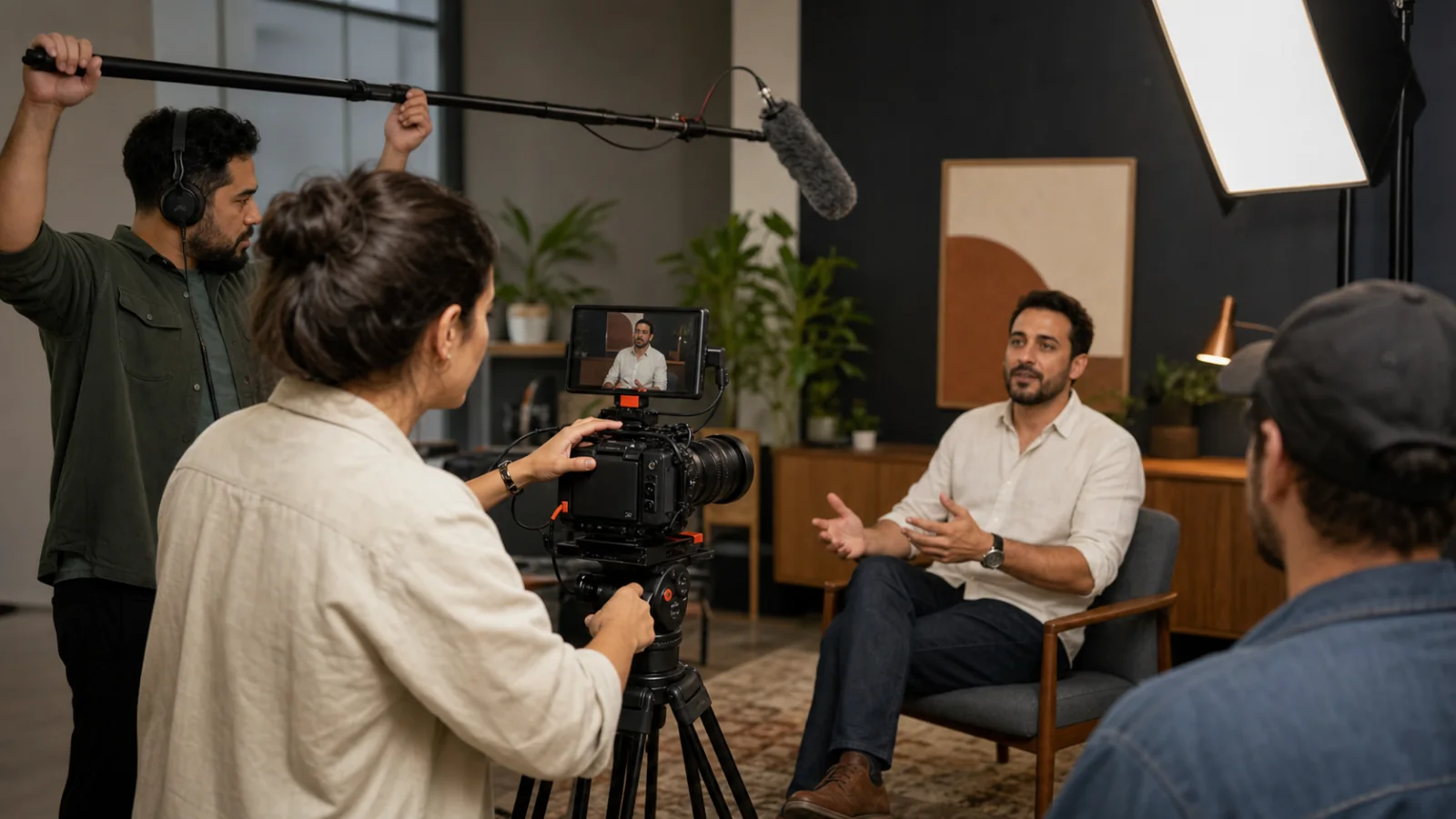
Dumela brings your project to life
Take the next step after calculating your voiceover time!
Dumela specializes in bringing scripts to life. We offer a full range of services to turn your script into a compelling video, whether through live-action filming, animation, stock visuals, or even AI tools.
A good voiceover depends on more than speaking rate. It needs well-prepared voice artists and experienced voice direction. With more than 500 real voice artists in our roster, we make sure your message is delivered professionally and with impact.
Our production team is also ready to create videos that capture the essence of your message from start to finish.
REQUEST A CUSTOM QUOTE